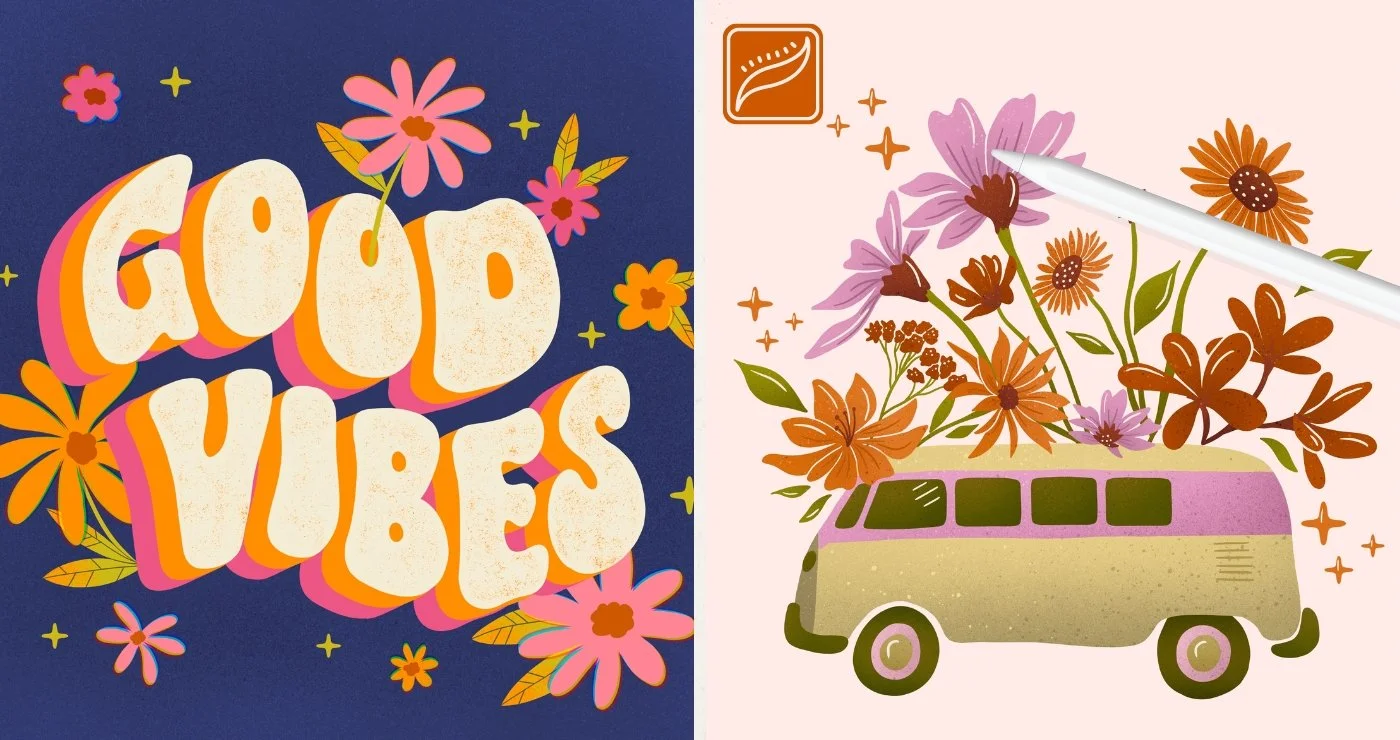
Flower Power
Beginner Procreate Skills
-
-
Class Introduction
I am so excited to walk you through some fun projects. We'll learn tons of new Procreate app skills together along the way! At the end of this class, you'll come away with tons of new knowledge and a wide variety of techniques that you can use to create your own incredible artwork using the Procreate app.
-
Downloads ⏬
Learn how to download the resources for this class and how to add them to Procreate so that we can use them in our up-and-coming projects.
-
Studio Wall: Share, Ask & Inspire
Share your artwork with your peers and see what other students have created!
-
-
-
Painting in Procreate (Copy)
Follow along as I show you how to draw and doodle on top of a photograph using the Procreate app. This can be a really fun and no-pressure way to get comfortable drawing digitally and begin playing around with the app.
-
Color Exploration (Copy)
Learn how to use different Procreate app functions to make color adjustments to specific parts of your doodle illustration, or your illustration as a whole! Explore endless color possibilities + learn how to export and share your final illustrations.
-
-
-
Reference Sheet
Add all of your planning elements together onto one reference sheet that you can easily access and look back to when creating your final illustration.
-
-
Radial Symmetry Project (Copy)
Learn how to use Drawing Guides and the Drawing Assist tool to create a mandala illustration with RADIAL symmetry.
-
Perfect Circles & Lines (Copy)
Learn how to use the Quick-Shape function to draw perfect circles to add to your Mandala illustration. + Learn how to draw perfectly straight lines in the Procreate app.
-
Vertical Symmetry Project (Copy)
In this lesson video, you’ll learn how to use Drawing Guides and the Drawing Assist tool to create an insect illustration with VERTICAL symmetry. Explore new brush techniques to obtain a hand-painted feel when drawing digitally, and learn how to use the Selections & Transform tools to rearrange elements to create a balanced composition.
-
Watercolor Background (Copy)
Learn how to create a watercolor background effect to add to your Insect illustration and add a paper texture background effect. Learn about Layer blend modes and how you can use radial & vertical symmetry together to create more complex illustrations
-
-
-
Plan & Sketch (Copy)
It's time to combine all of the skills you've learned during the previous projects and create a Summer Citrus illustration. Start by sketching out a balanced layout for your composition. and learn what needs to be considered when creating balance in a design. + Learn new Selection & Transform techniques.
-
Let's Paint Citrus (Copy)
Follow along to plan your color placement and then paint the base layer of color for your Summer Citrus project.
-
Add Depth & Shading (Copy)
Use Clipping Masks in Procreate to add dimension with shading, highlights, and texture to your fruits!
-
Add Background & Foreground (Copy)
Learn how to add more depth and visual interest to your illustration with a patterned background and foreground elements using past skills learned. + Learn how to use the Alpha lock function in Procreate.
-